
Sometimes, when you try to remotely install a SCOM agent you get an access denied message.

Usual cause
Most of the time you can address this issue by either granting administrator’s rights to the Management Server Action Account or to provide alternate credential with administrator’s rights.
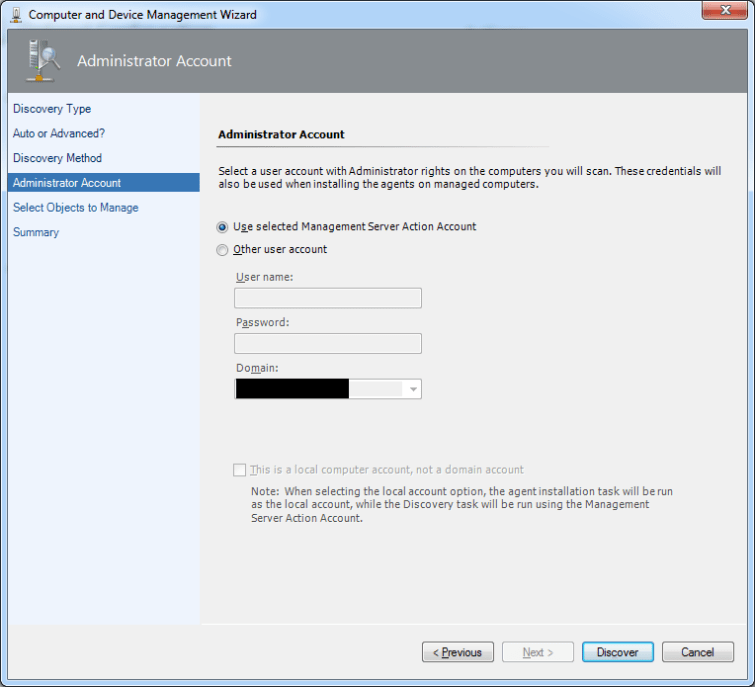
A tricky case
It also happens that having the Action Account in an AD group, itself member of the local Administrators group is not enough, and you have to make the Action Account directly a member of the local Administrators group on the target computer.
Another cause
Once, the error message was the same, but the cause was completely different. I had to enable administrative shares (which had been disabled on this server) and restart the Server service.
Set-ItemProperty HKLM:\SYSTEM\CurrentControlSet\services\LanmanServer\Parameters -Name AutoShareServer -Value 1
Restart-Service -Name LanmanServer

Or since Windows Server 2012 you can also use the Set-SmbServerConfiguration cmdlet.
Set-SmbServerConfiguration -AutoShareServer:$true
Restart-Service -Name LanmanServer
 itluke.online